





Customers expect quick answers when they contact a business. Whether they want to track an order, resolve a technical issue, understand a product, or check an appointment, they do not want to wait hours for a response. This is where AI customer support can help businesses handle routine enquiries, retrieve relevant information, and connect customers with the right support team when human assistance is needed.
Traditional support teams often spend a significant part of their day answering the same questions, sorting tickets, and searching through documents. Hiring more agents can help, but it does not always solve problems related to response times, inconsistent information, or growing support volumes.
An AI customer support system offers another approach. By combining conversational AI, business knowledge, workflow automation, and existing software integrations, companies can build a support experience that helps customers while giving human agents more time to focus on complex issues.
But building a useful system involves more than adding a chatbot to a website. Businesses need to understand their support processes, prepare reliable data, select the right AI architecture, establish security controls, and test how the system behaves in real situations.
This guide explains how to build an AI customer support system, the technologies involved, the features worth prioritising, and the mistakes to avoid.
What Is an AI Customer Support System?
An AI customer support system is a software solution that uses artificial intelligence to understand customer requests, find relevant information, generate responses, and automate selected support tasks.
Unlike a basic chatbot that follows predefined questions and answers, a modern AI-powered customer support solution can interpret natural language, use an approved knowledge base, maintain conversation context, and connect with business applications through controlled integrations.
Depending on the business requirements, the system may include:
-
An AI chatbot for customer conversations.
-
An AI support agent for defined tasks and workflows.
-
Knowledge-base integration for retrieving product documentation and company policies.
-
AI ticket automation for classifying and routing incoming requests.
-
CRM and helpdesk integration for accessing relevant customer records.
-
AI agent assistance for summarising conversations and suggesting responses.
-
Human-agent escalation for complex or sensitive requests.
-
Analytics for monitoring response quality and support outcomes.
For example, an e-commerce customer asking about a delayed order could receive an answer based on the latest order status retrieved from the company's system. If the order information is unavailable or the customer reports a serious problem, the system can transfer the conversation to a human agent with the relevant context.
The objective is not to remove human support entirely. It is to automate suitable tasks while keeping people involved where their judgement and expertise matter.
Why Are Businesses Investing in AI Customer Support?
Businesses across India and international markets are exploring AI customer service solutions to improve how they handle customer interactions. The potential benefits depend on the quality of the implementation, the type of enquiries involved, and how well the system connects with existing processes.
Faster Responses to Common Questions
Customers frequently ask about business hours, pricing, product features, delivery policies, account access, and other routine topics.
An AI support system can retrieve approved answers to these questions without requiring an agent to respond each time manually. This can reduce unnecessary waiting for straightforward enquiries.
Support Beyond Business Hours
An AI customer support system can provide automated assistance outside normal working hours, including weekends and holidays.
This is particularly useful for SaaS businesses, online retailers, and companies serving customers across different time zones. Requests that require human attention can be recorded or routed according to the organisation's support policy.
Less Repetitive Work for Support Teams
Support representatives often repeat the same steps across multiple conversations. AI can help categorise tickets, summarise long message threads, search internal documentation, and prepare draft responses.
Human agents remain responsible for reviewing suggestions and handling issues that require judgement.
More Consistent Answers
When responses are generated using approved company documentation and current business information, customers have a better chance of receiving consistent answers.
However, consistency depends on maintaining accurate source material and testing the AI system. An AI model alone does not guarantee factual or policy-compliant responses.
Better Visibility Into Customer Problems
Support analytics can reveal recurring complaints, common product questions, unresolved tickets, and gaps in documentation.
Businesses can use these findings to improve their products, update help articles, and identify support processes that need attention.
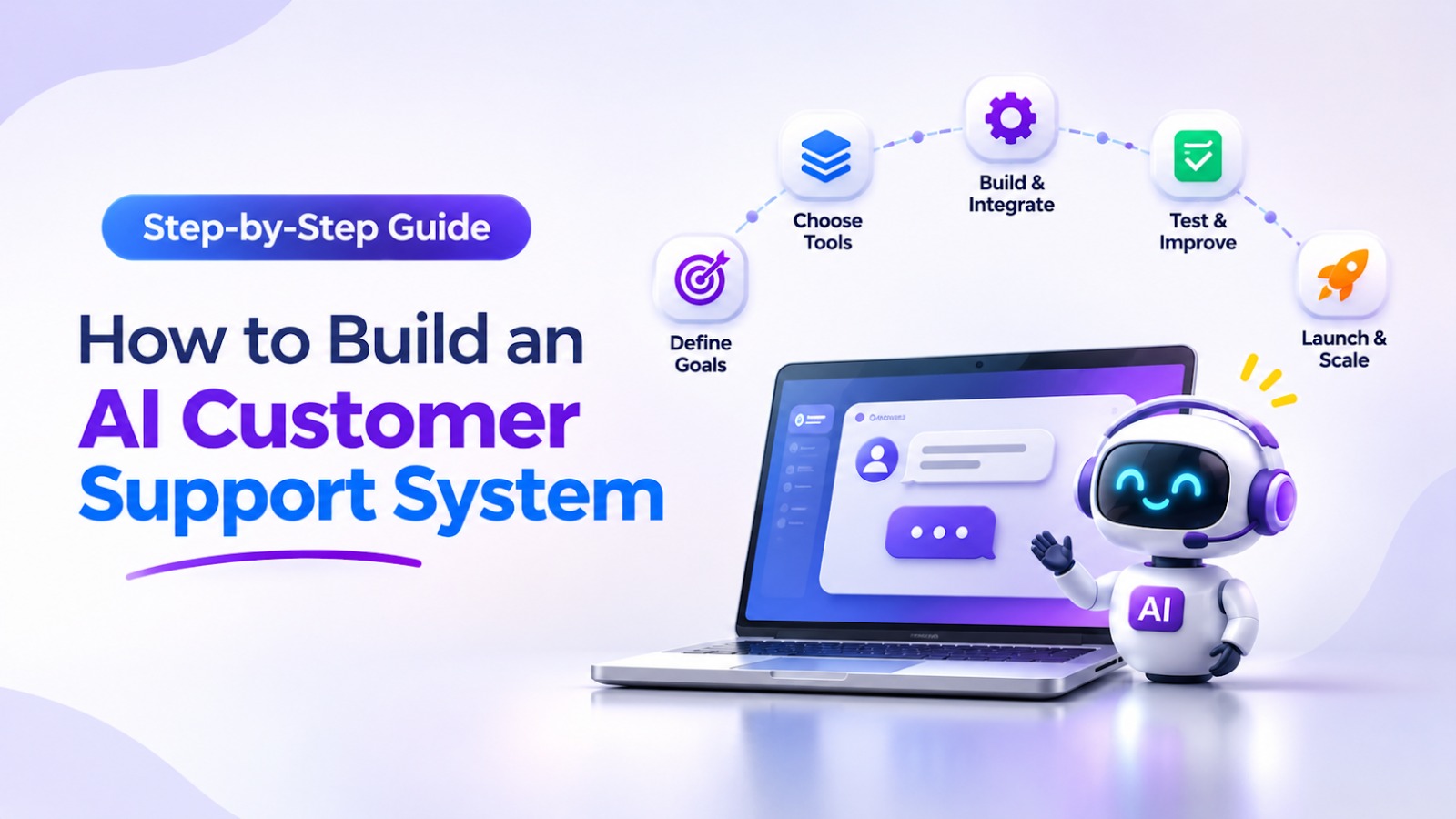
Step-by-Step Process for AI Customer Support System Development
A successful AI customer support system starts with business requirements, not technology selection. The following steps provide a practical approach to planning and development.
Step 1: Identify Support Problems and Automation Opportunities
Begin by reviewing how your support team currently works.
Examine existing tickets, customer conversations, frequently asked questions, response times, escalation patterns, and common reasons for customer dissatisfaction.
Group enquiries into categories such as:
-
General product and service questions.
-
Order, booking, or delivery updates.
-
Account and login assistance.
-
Technical troubleshooting.
-
Billing and payment enquiries.
-
Complaints and refund requests.
-
Complex cases requiring specialist attention.
Next, determine which tasks are suitable for automation.
For example, answering a question about a published return policy may be relatively straightforward. Approving a refund, changing sensitive account information, or resolving a disputed payment may require authentication, additional rules, or human approval.
Practical tip: Start with a small group of frequent, low-risk enquiries. Expand automation only after measuring how accurately the system handles them.
Step 2: Prepare Your Knowledge Base and Business Data
The quality of an AI support system depends heavily on the information available to it.
Businesses may have useful information spread across FAQs, product documentation, help-centre articles, internal manuals, policy documents, CRM records, and support tickets.
Before connecting these sources, check whether the information is accurate, current, clearly organised, and approved for customer-facing use.
Remove outdated instructions, resolve conflicting policy documents, and identify information that should remain restricted to employees.
Create a clear structure for common topics, including product details, troubleshooting procedures, pricing policies, service limitations, and escalation instructions.
This preparation helps the AI system retrieve the correct information instead of relying on incomplete or outdated material.
Step 3: Choose the Right AI Architecture
Not every customer support project requires the same technology. The architecture should match the type of questions, available data, required integrations, and level of automation.
Large Language Models (LLMs)
Large language models help the system interpret customer questions and generate natural-language responses. They can also summarise conversations, classify requests, and help agents prepare replies.
However, a language model should not be treated as the authoritative source for changing business information, such as order status or account balances.
Retrieval-Augmented Generation (RAG)
Retrieval-Augmented Generation, commonly called RAG, connects an AI model with relevant information retrieved from an approved knowledge source.
When a customer asks a question, the system searches the available documents, selects relevant content, and provides that information to the model as context for its answer.
For example, a SaaS customer asking how to configure a feature could receive guidance based on the latest product documentation.
RAG can improve grounding in business information, but it does not guarantee correct answers. Retrieval quality, document freshness, access permissions, and response evaluation remain important.
AI Agents and Workflow Automation
An AI agent can do more than generate text. When given appropriate tools and permissions, it can carry out defined tasks through connected APIs and business systems.
For example, an AI support agent might retrieve an order status, create a support ticket, or update a ticket category. Actions involving sensitive data or financial consequences should have appropriate validation and approval controls.
For many projects, a combination of LLMs, RAG, conventional software rules, and carefully controlled integrations is more appropriate than relying on an autonomous agent for every task.
Step 4: Build the Customer Conversation Interface
Choose where customers will interact with the AI system.
Depending on business needs, the interface could be available on a website, inside a mobile application, within a customer portal, or through supported messaging channels.
The conversation experience should be easy to use and should make it clear what the AI assistant can help with.
Useful interface features include:
-
Clear prompts and suggested questions.
-
Conversation history where appropriate.
-
Helpful error messages when information is unavailable.
-
An option to contact human support.
-
Accessible layouts for desktop and mobile devices.
-
Appropriate notices about AI-assisted interactions.
For businesses serving international customers, multilingual support may also be useful. Language detection, translation quality, local terminology, and region-specific policies should be tested before launching additional languages.
Step 5: Integrate CRM, Helpdesk, and Business Applications
A chatbot that can only answer questions from static documents may not be enough for businesses that need to resolve account-specific issues.
CRM and helpdesk integration allows the AI system to interact with existing support processes, subject to authentication and access controls.
Depending on the available APIs, integrations may support:
-
Retrieving customer or order information.
-
Creating and categorising support tickets.
-
Checking the status of an existing request.
-
Assigning tickets to the appropriate department.
-
Recording conversation summaries.
-
Suggesting replies to support representatives.
-
Sending approved notifications.
For example, a customer asking about an open support request could receive its current status from the connected ticketing system rather than a generic response.
Integrations should use the minimum permissions required for each task. Sensitive actions must be validated by the application, not authorised solely because an AI model requests them.
Step 6: Establish Security and Human Escalation Rules
Security and escalation should be part of the AI customer support system from the beginning.
An AI customer support system may handle personal information, account records, internal documents, and business applications. Without proper access controls and validation, the system could expose sensitive information or perform actions that are not permitted.
Important safeguards include:
-
Authentication: Verify customer identity before handling account-specific requests.
-
Access controls: Restrict access to customer records and internal data based on user permissions.
-
Data protection: Apply appropriate encryption and data-retention policies.
-
Input validation: Validate requests and restrict API access to approved operations.
-
Information protection: Prevent the system from revealing confidential information or following unauthorised instructions.
-
Monitoring: Maintain logs of important actions and monitor system behaviour.
-
Human approval: Require human review for sensitive or high-impact operations.
Define clear escalation conditions as well. The system should transfer a conversation to a human agent when it cannot find reliable information, repeatedly misunderstands the customer, encounters a sensitive request, or receives a request outside its permitted scope.
During the handoff, provide the agent with the customer's issue, relevant conversation history, and actions already attempted. This helps the support team continue the conversation without asking the customer to repeat the same information.
Step 7: Test the System Before Launch
Testing should cover more than whether the chatbot produces fluent answers.
Create a test set using realistic customer questions, including ambiguous requests, misspellings, incomplete information, outdated documents, and questions outside the system's knowledge.
Evaluate:
-
Accuracy and relevance of responses.
-
Whether answers are supported by approved information.
-
Retrieval quality for knowledge-base queries.
-
Ticket classification and routing accuracy.
-
API permissions and integration behaviour.
-
Human escalation and handoff quality.
-
Response time and system reliability.
-
Privacy and security controls.
Also test what happens when an API fails, a document is missing, or the customer asks for information the system cannot verify.
Launch with a limited group of users or a controlled set of support topics where practical. Use the results to correct problems before expanding access.
Step 8: Monitor, Improve, and Expand
AI customer support system development continues after deployment.
Review conversations, investigate incorrect answers, update source documents, refine workflows, and improve the test set using real support scenarios.
Useful metrics include first-response time, resolution rate, escalation rate, customer satisfaction (CSAT), ticket reopening rate, and the percentage of conversations resolved without human assistance.
Measure these metrics against a defined baseline. A high automation rate is not necessarily a positive outcome if customers receive incorrect answers or need to contact support again.
Expand to new use cases only when the existing workflows meet your quality and safety requirements.
Essential Features of AI Customer Support Software
The required feature set depends on the business, but the following capabilities are useful starting points.
|
Feature |
Why it matters |
|
Natural-language understanding |
Helps interpret customer questions written in everyday language. |
|
Knowledge-base integration |
Grounds answers in approved business information. |
|
AI ticket automation |
Helps categorise, prioritise, and route support requests. |
|
CRM and helpdesk integration |
Connects conversations with customer records and existing workflows. |
|
Human-agent escalation |
Transfers complex or sensitive cases to the appropriate team. |
|
Multilingual support |
Helps serve customers who communicate in different languages. |
|
Analytics and reporting |
Makes response quality, resolution patterns, and operational outcomes measurable. |
|
Security and access controls |
Helps protect personal information and restrict unauthorised actions. |
Choose features according to actual support needs rather than adding every available AI capability at once.
Common Mistakes to Avoid When Building an AI Support System
Even a technically capable AI solution can underperform when the underlying support process is poorly designed.
Using outdated knowledge: Old policies and conflicting documentation can lead to incorrect responses. Establish ownership and a process for updating source material.
Automating everything immediately: Start with low-risk tasks and expand after evaluating real results.
Ignoring human support: Customers need a clear way to reach a person when automation cannot resolve their issue.
Connecting systems without proper controls: Apply authentication, permission checks, data validation, and approval rules to sensitive operations.
Measuring only chatbot usage: Track customer outcomes and quality, not just the number of conversations handled by AI.
Skipping ongoing testing: Products, policies, APIs, and customer expectations change. Regular evaluation helps identify issues before they affect more users.
How to Choose the Right AI Customer Support Development Partner
Businesses considering a custom AI customer support system should evaluate potential development partners on more than their choice of AI model.
Look for a team that understands support workflows, software architecture, knowledge integration, API development, security, and testing.
Ask how the proposed solution will handle incorrect answers, restricted information, failed integrations, and human escalation. Clarify ownership of the code, data handling, third-party service costs, maintenance, and ongoing improvements.
A suitable partner should be able to explain the proposed architecture in practical terms and connect each major feature to a specific business requirement.
For organisations with specialised workflows or existing software, custom development may offer greater flexibility than trying to adapt a generic tool to every requirement.
We providesAI customer support system development, covering conversational AI, knowledge retrieval, ticket automation, CRM and helpdesk integration, and human-agent escalation. Businesses can also explore the company'sAI customer support automation case study to learn more about ours work in this area.
Final Thoughts
Building an AI customer support system is not simply a matter of choosing a language model and connecting it to a chat window. It requires a clear understanding of customer needs, reliable business information, suitable AI architecture, secure integrations, and well-defined human handoff rules.
The most practical approach is to begin with a few repetitive support tasks, evaluate the results, and expand gradually as the system demonstrates that it can handle those tasks reliably.
With the right planning, AI-powered customer support can help businesses improve access to information, reduce repetitive work, and give human agents more time to focus on complex customer problems.
If your organisation is exploring a custom solution, mTouch Labs can help you evaluate the requirements and design an AI customer support system around your existing workflows and technology.
Frequently Asked Questions
What is an AI customer support system?
How do you build an AI customer support system?
What technologies are used to develop AI customer support software?
Can AI customer support integrate with an existing CRM or helpdesk?
How much does it cost to build an AI customer support system?
🎯 Key Takeaways
Build an AI-powered customer support system with intelligent chatbots, automated workflows, seamless integrations, and smarter customer interactions. Learn the key steps, technologies, and best practices.